







Artificial Intelligence (AI) is rapidly transforming the way students learn, research, and manage their daily academic tasks. From writing assignments to organizing notes and preparing presentations, AI tools are helping students save time and improve productivity. The best part is that many powerful AI tools are available for free.
In this article, we will explore the best free AI tools for students, how they work, and how students can use them effectively without any technical background.
Why Best Free AI Tools for Students Are Important in 2026
Students today face multiple challenges such as tight deadlines, heavy workloads, and the need to stay productive. AI tools help by:
- Saving time on repetitive tasks
- Improving writing and research quality
- Organizing study materials
- Enhancing creativity and learning efficiency
AI does not replace learning; instead, it supports students in learning smarter.

1. ChatGPT – One of the Best Free AI Tools for Students
ChatGPT is one of the most popular AI tools used by students worldwide. It can answer questions, explain complex topics, help with brainstorming ideas, and assist in writing outlines.
Best for:
- Understanding difficult subjects
- Creating study notes
- Generating ideas for essays
Free features:
- Text-based responses
- Question answering
- Basic writing assistance
Tip: Always review and rewrite responses in your own words.
2. Grammarly – Best Free AI Tool for Students
Grammarly is an AI-powered writing assistant that helps students write clear and error-free content.
Best for:
- Grammar and spelling correction
- Improving sentence clarity
- Academic writing
Free features:
- Grammar checks
- Basic writing suggestions
This tool is especially useful for non-native English speakers.
3. QuillBot – Best Free AI Tool for Students
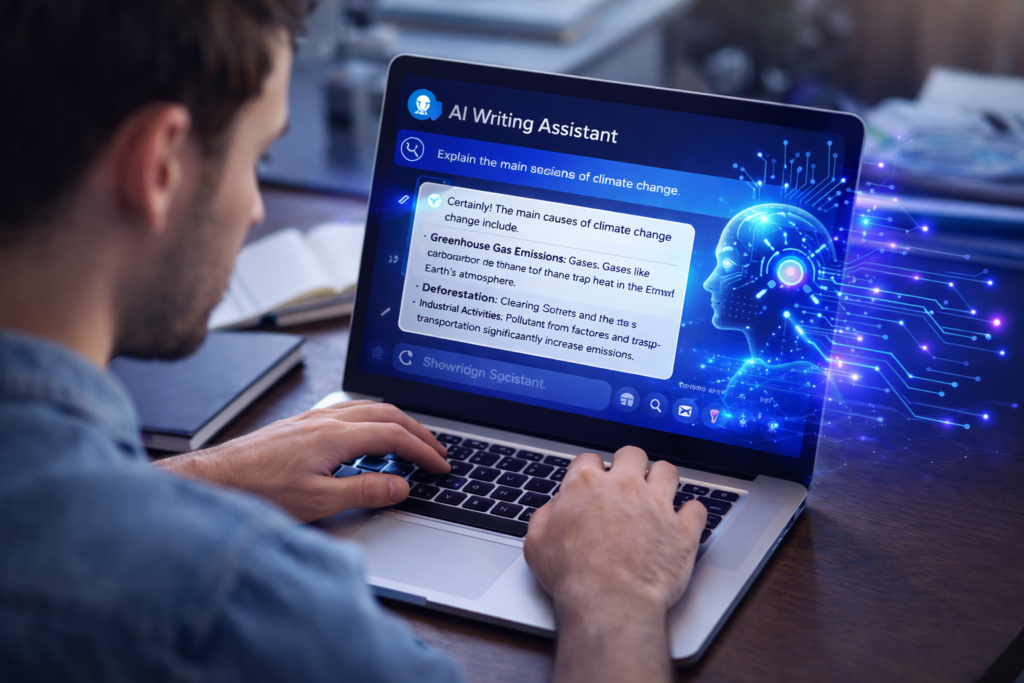
QuillBot is a popular AI paraphrasing tool that helps students rewrite content in a clear and original way.
Best for:
- Paraphrasing study notes
- Improving sentence structure
- Avoiding repetition
Free features:
- Basic paraphrasing modes
- Limited word usage
4. Notion AI (Limited Free Access)
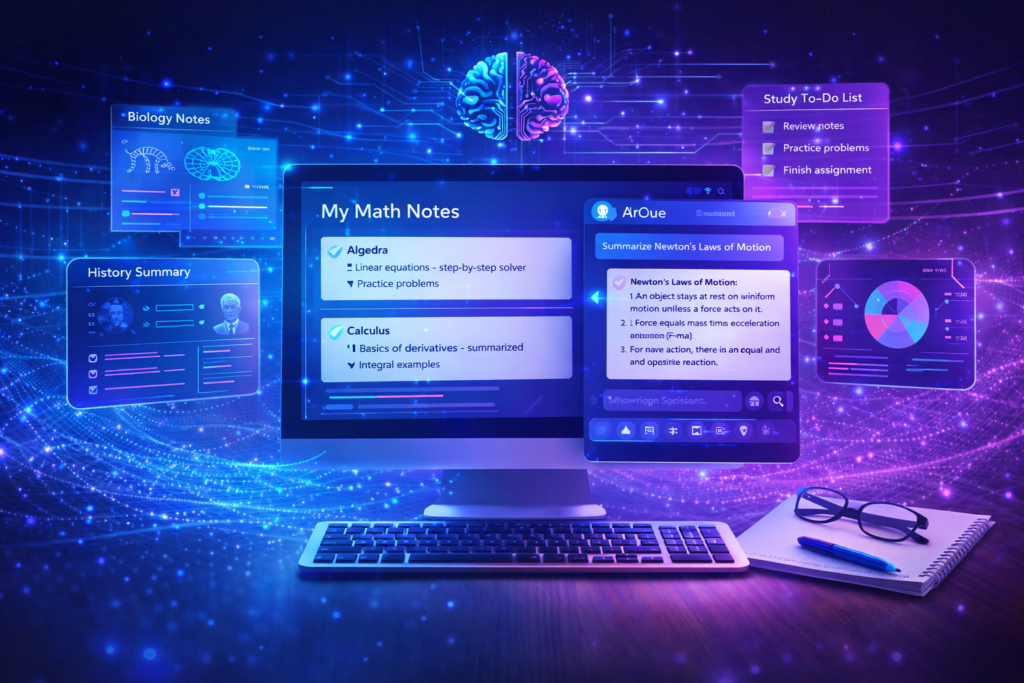
Notion AI helps students organize notes, tasks, and study plans in one place.
Best for:
- Note-taking
- Task management
- Study planning
Free features:
- Limited AI assistance
- Smart summaries
5. Google Gemini (Formerly Bard)
Google Gemini is a free AI assistant that helps students with research, explanations, and idea generation.
Best for:
- Research assistance
- Quick explanations
- Learning new topics
Free features:
- Web-based access
- Real-time information
6. Canva AI (Free Version)
Canva AI allows students to create presentations, posters, and graphics easily.
Best for:
- Presentations
- Assignments visuals
- Social media projects
Free features:
- AI design suggestions
- Free templates
7. Tome AI
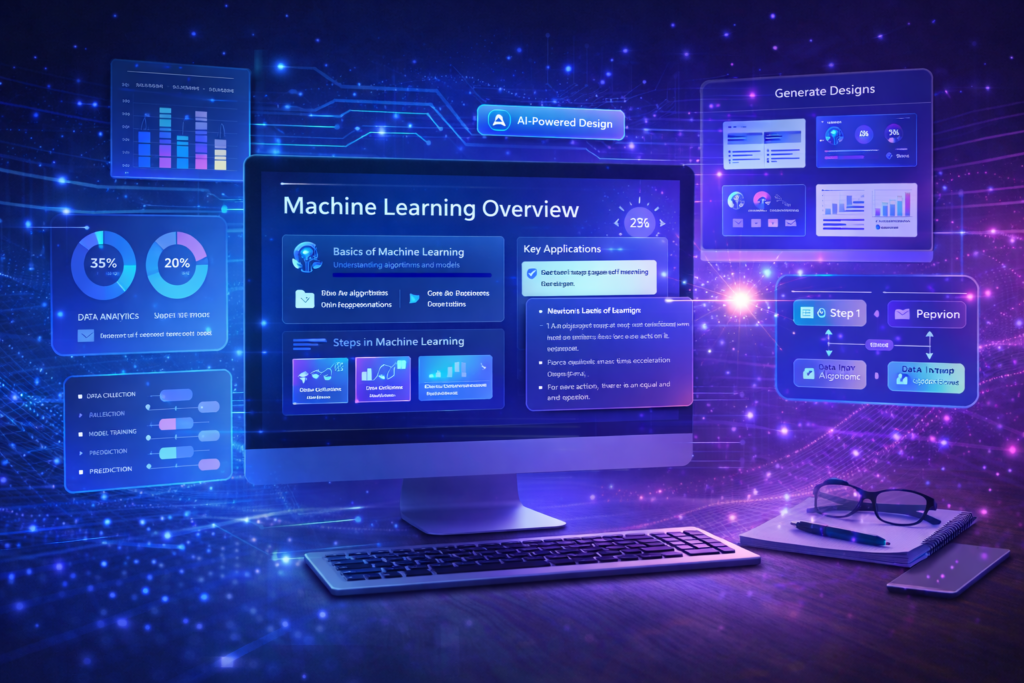
Tome AI helps students create presentations and structured content quickly.
Best for:
- Class presentations
- Project summaries
- Visual storytelling
Free features:
- Basic presentation creation
- AI-generated layouts
8. Otter.ai – Best Free AI Tool for Students
Otter.ai is an AI-powered transcription tool that helps students record and transcribe lectures.
Best for:
- Lecture notes
- Online classes
- Group discussions
Free features:
- Limited transcription minutes
- Audio-to-text conversion
How to Use AI Tools Responsibly as a Student
While AI tools are helpful, students should use them ethically:
- Do not submit AI-generated content directly
- Use AI for guidance and learning support
- Always verify facts and sources
- Add personal understanding and originality
Responsible usage improves learning instead of harming it.

Benefits of Using Free AI Tools
- Cost-effective learning
- Improved productivity
- Better organization
- Time management support
Even free versions provide enough features for daily academic needs.
How to Choose the Best Free AI Tools for Students
Not all AI tools are suitable for students, especially when working with free versions. Before choosing any AI tool, students should focus on usability, accessibility, and learning value.
When selecting the best free AI tools for students, consider the following factors:
- Ease of use: The tool should be beginner-friendly and simple to understand
- Free plan limitations: Check daily or monthly usage limits
- Privacy & data safety: Avoid tools that misuse personal data
- Educational value: The tool should support learning, not replace it
Choosing the right AI tools helps students stay productive without becoming overly dependent on automation.
Global Accessibility of Free AI Tools for Students
One of the biggest advantages of the best free AI tools for students is their worldwide accessibility. Most AI tools are cloud-based and can be accessed from anywhere with an internet connection.
This global availability benefits students by:
- Allowing learning across different countries and education systems
- Supporting online and remote education
- Helping students collaborate internationally
- Providing equal learning opportunities
Students from developing regions can especially benefit from free AI tools, making education more inclusive and affordable.
AI Skills Students Can Develop Using Free AI Tools
Using AI tools regularly helps students build important future-ready skills. These skills are becoming essential in both academic and professional environments.
Some key skills students develop include:
- Critical thinking: Evaluating AI-generated responses
- Digital literacy: Understanding modern AI systems
- Research skills: Using AI to organize and summarize information
- Time management: Completing tasks efficiently
The best free AI tools for students encourage learning how to work with technology rather than relying on it blindly.
Common Mistakes Students Should Avoid When Using AI Tools
While AI tools are powerful, misuse can reduce their educational value. Students should be careful to avoid common mistakes such as:
- Copy-pasting AI-generated content without understanding
- Overusing AI instead of developing personal skills
- Ignoring academic integrity guidelines
- Trusting AI responses without verification
Using AI responsibly ensures long-term academic growth and ethical learning practices.
Future of Free AI Tools in Student Education
The future of education is closely connected to artificial intelligence. As AI technology continues to evolve, free AI tools for students will become more advanced and personalized.
In the coming years, students can expect:
- Smarter learning assistants
- Better language support
- Personalized study recommendations
- Improved accessibility features
Staying updated with AI advancements allows students to gain a competitive edge while maintaining ethical learning standards.
FAQ’S About Best Free AI Tools for Students
Are AI tools free for students?
Yes, many AI tools offer free plans with limited but useful features for students.
Can students use AI tools for assignments?
Students can use AI tools for research and learning, but should always submit original work.
Are AI tools safe for students?
Most well-known AI tools are safe when used responsibly and ethically.
Final Thoughts on Best Free AI Tools for Students
AI tools are becoming an essential part of modern education. In 2025, students who use AI wisely can improve productivity, enhance learning, and manage academic tasks more efficiently. The free AI tools mentioned above are beginner-friendly, accessible worldwide, and perfect for students at any level.
By using these tools as learning assistants—not shortcuts—students can gain real value and stay ahead in their academic journey.